HitPaint — Open Mesh, Hit Paint
I built HitPaint, a mesh painter for 3D printing — import an STL, paint with filament colors, and export a 3MF or GLB. Try it at hitpaint.com.
Slicer paint tools are simplistic. You get some buckets, a circle, a sphere, maybe triangle painting — and that’s about it. The orbit controls are super wonky and never seem to center around the right point. There’s no mirroring. Fine for a quick patch. Not fine when you’re trying to color a whole print the way you actually see it.
The desktop apps aren’t much better for this job. You’re usually stuck with vertex painting or textures that have to be baked into the mesh and never seem to work correctly. Blender was built for modeling. Nomad was built for sculpting. Both are great at those things. Neither is a good painter for 3D printing. Nomad won’t export a 3MF. Blender is shortcut-and-menu chaos — a Swiss Army knife with painting bolted on for general modeling, not something focused on getting filament colors onto a mesh and out to a slicer.
So I built my own mesh painter.
HitPaint is how I color prints now: filament by filament, on the model, then straight out as a 3MF or GLB for the slicer. No account to start. Load a sample or import an STL, paint, export.
Open mesh. Hit paint.
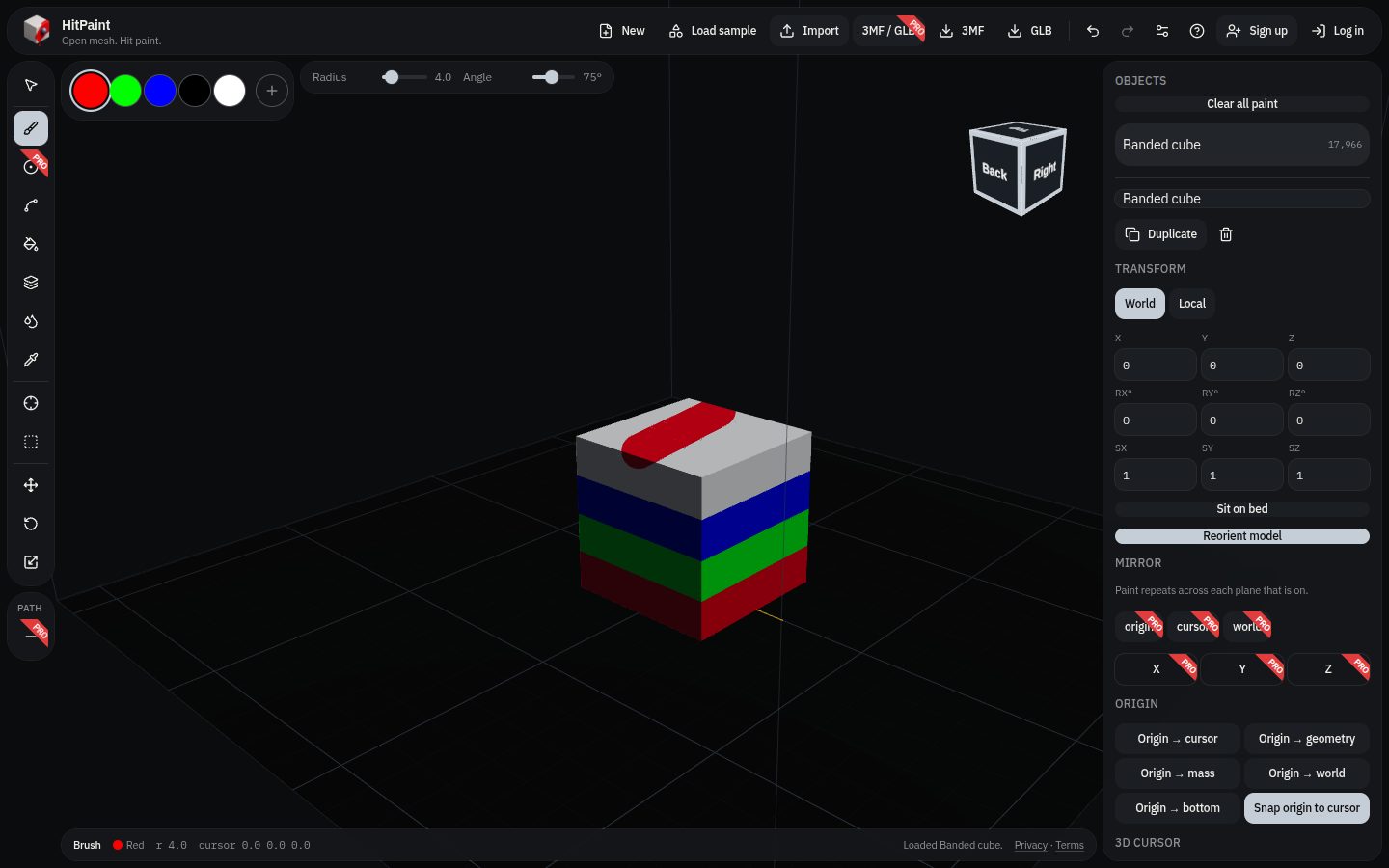
Built for how I actually print
The brush splits triangles under the stroke instead of flooding a whole facet, so a stripe can stay a stripe on a calibration cube or a clicker shell.
Filament slots sit next to the tools — rename them, recolor them, paint into them. There’s also smart fill, bucket, height-range bands, gap fill, and an eyedropper. On the bed side: set an origin, snap to the 3D cursor, sit the mesh on the bed, place on a face. Shortcuts can follow OrcaSlicer, Blender, or Tinkercad, depending on what your hands already know.
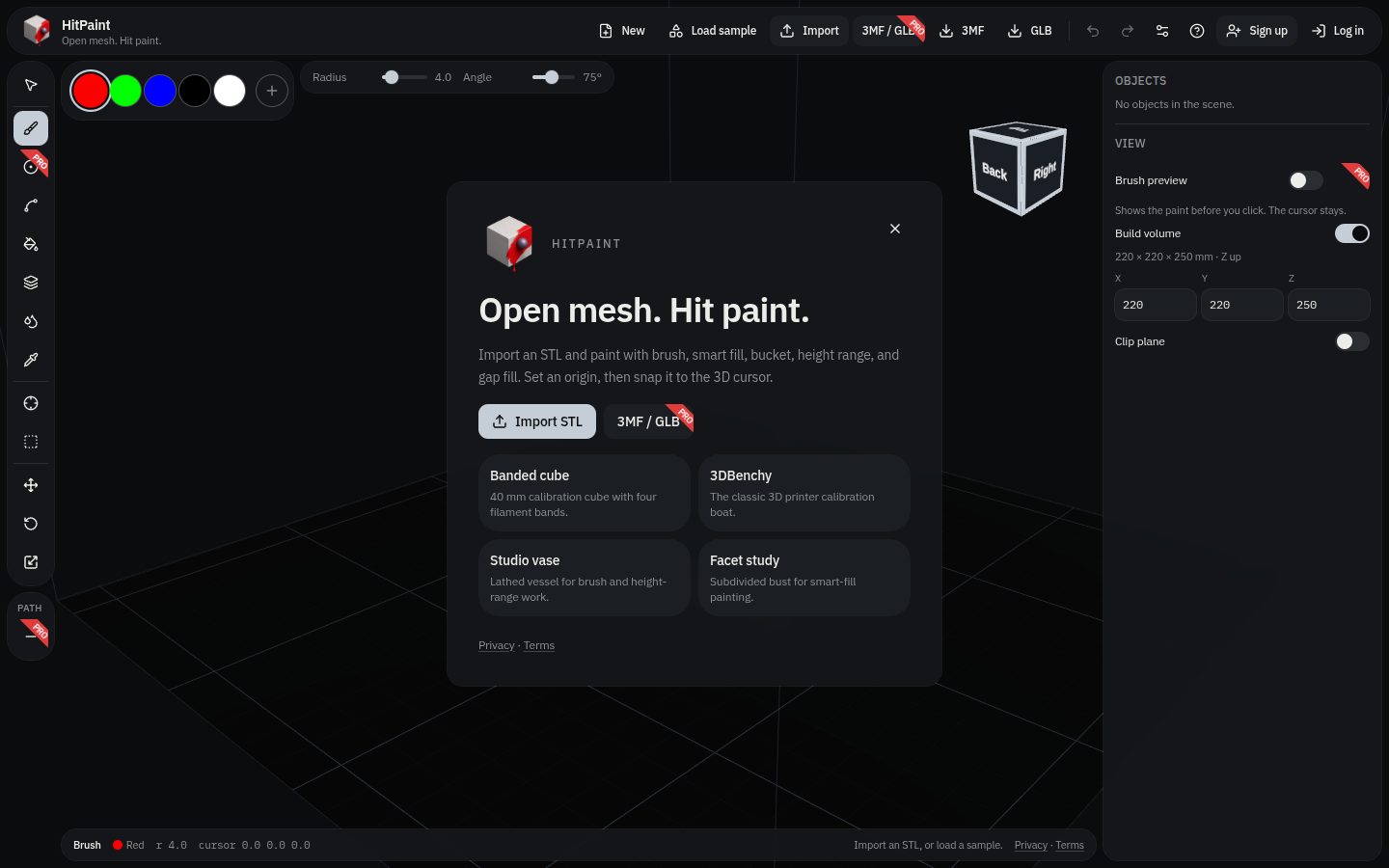
Free to start, Pro when you need it
STL import and the core paint loop are free. HitPaint Pro is a 7-day trial (card collected at checkout; the plan you pick starts when the trial ends) — $5/month or $50/year.
Pro is the stuff I reached for on real jobs: mirror across X/Y/Z (the thing slicers skip), colored 3MF and GLB import, brush preview, path line painting, and a slice handoff into OrcaSlicer, Ultimaker Cura, or Bambu Studio.
Here’s the polyline path tool with X and Z mirroring turned on.
Where to find it
There’s a full feature write-up on the HitPaint page in the site menu. The app itself lives at hitpaint.com.
If you’ve been wishing the paint step felt less like a chore and more like part of making the object — give it a try and tell me what breaks.
— Domenic
Photos