HitPaint
Open mesh. Hit paint.
HitPaint is a mesh painter I made for the way I actually color prints: filament by filament, on the model, then straight into a slicer. No account to start. Load a sample or import an STL, paint, and export a 3MF or GLB.
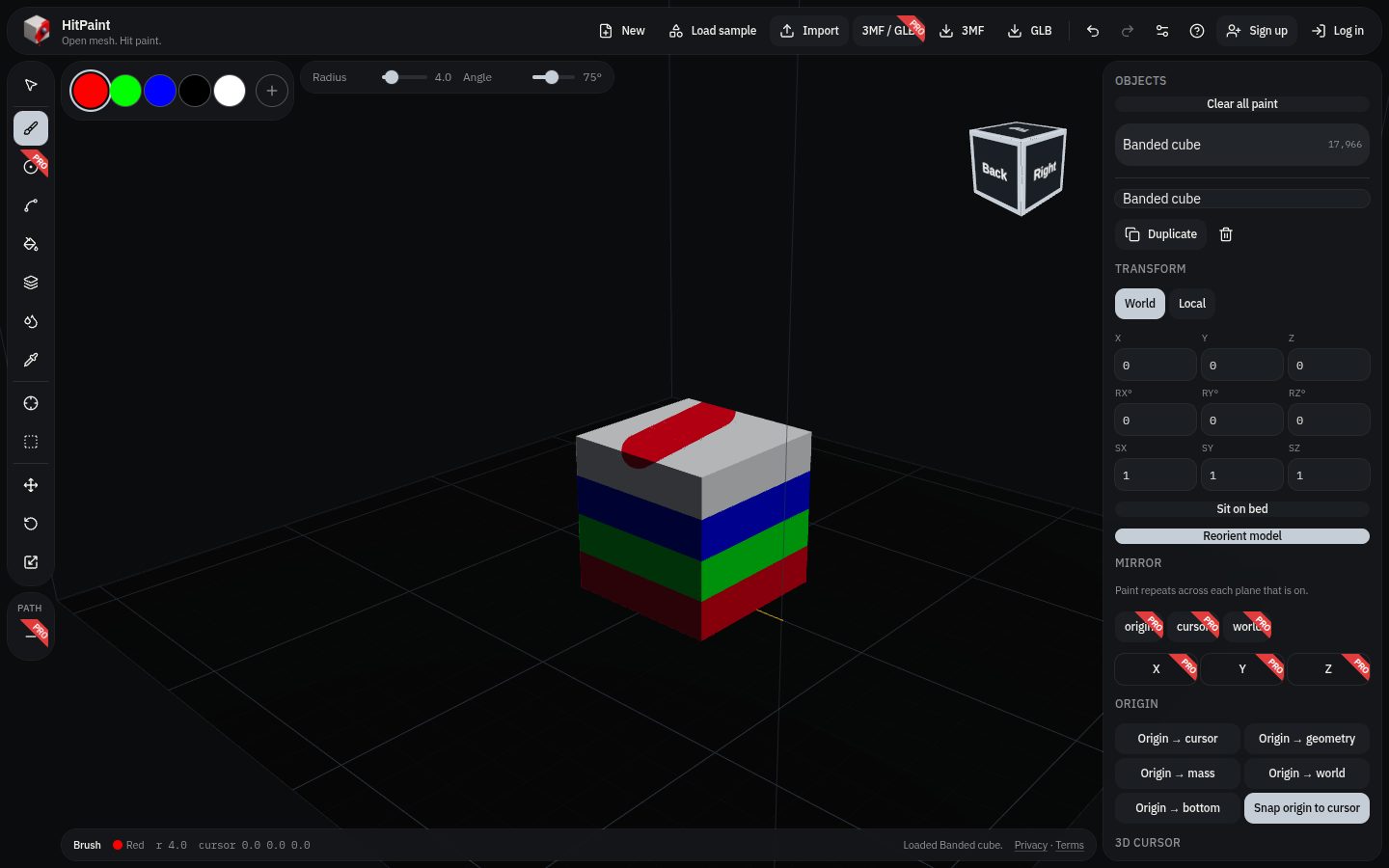
Paint like a slicer
Brush tools
Brush, sphere brush, smart fill, bucket, height-range bands, gap fill, and an eyedropper. Radius and angle sit next to the filament palette.
Filament colors
Paint maps to filament slots you can rename and recolor. The banded cube sample is a 40 mm calibration cube with four bands already assigned.
Files
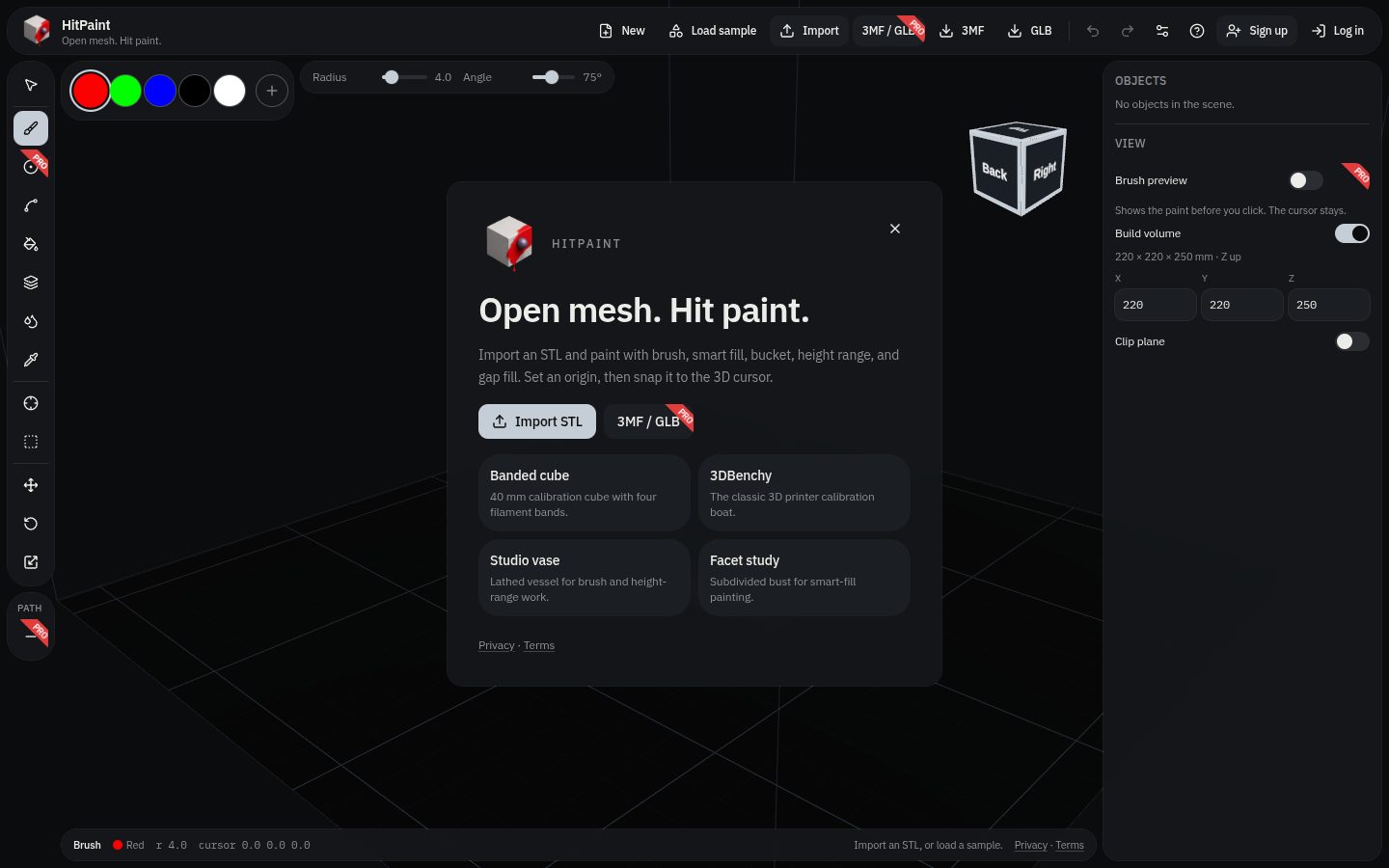
Import an STL for free, or start from 3DBenchy, the studio vase, or the facet study. Export a painted 3MF or GLB when you are done.
On the bed
Set an origin, snap it to the 3D cursor, sit the mesh on the bed, and place on a face. Shortcuts can follow OrcaSlicer, Blender, or Tinkercad.
HitPaint Pro
Guests can paint with no account. HitPaint Pro is a 7-day trial: checkout collects a card now, and the plan you pick starts when those days end. Monthly is $5. Annual is $50, which is two months free.
Pro adds:
- Mirror across X, Y, and Z, around the origin, the 3D cursor, or the world
- Colored 3MF and GLB import (STL import stays free)
- Brush preview
- Path line: place a line on the mesh, adjust the ends, and paint along it
- Slice: export a 3MF and open it in OrcaSlicer, Ultimaker Cura, or Bambu Studio
Questions about the shop are still best on the contact page. HitPaint questions go there too — choose HitPaint on the form. The painter itself lives at hitpaint.com.